Get detailed phone information from Samsung Galaxy S8
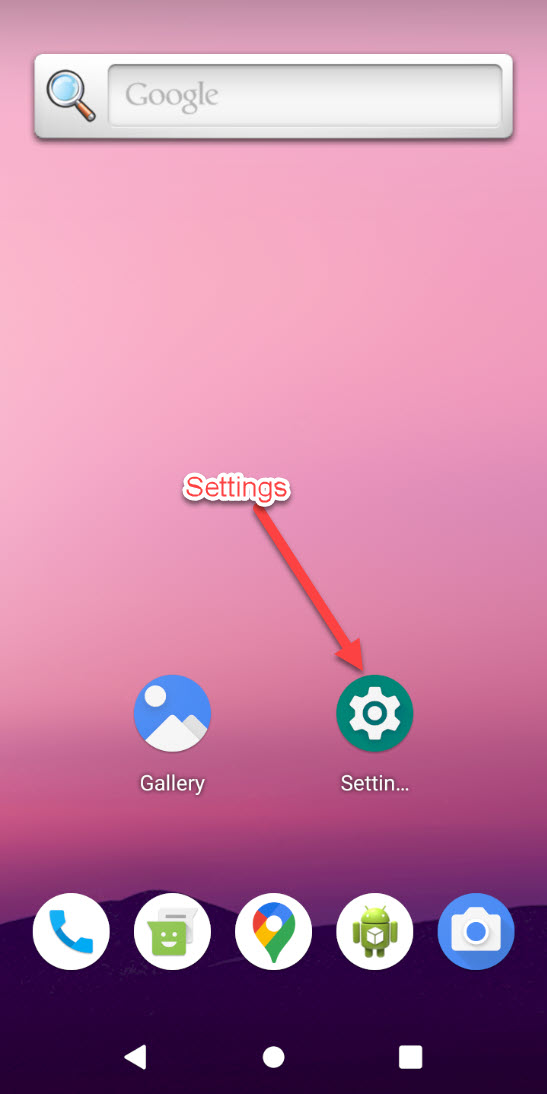
Step1: Goto Settings of the phone
It’s a gear icon from the phone menu, with text ‘Settings’ below it. If you don’t find it on your home screen, you need to swipe up the home button to see all applications.
Alternatively, you can access your phone settings from the top of your phone by dragging the notification area to the max height and then click the gear icon.
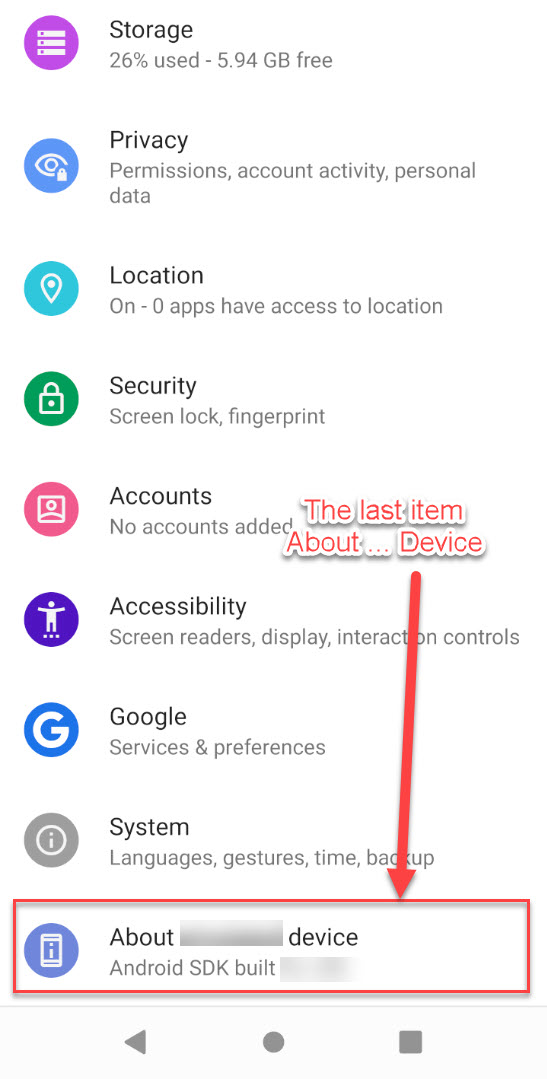
Step2: The last item of settings
It’s “About … Device”, the last item of the settings menu.
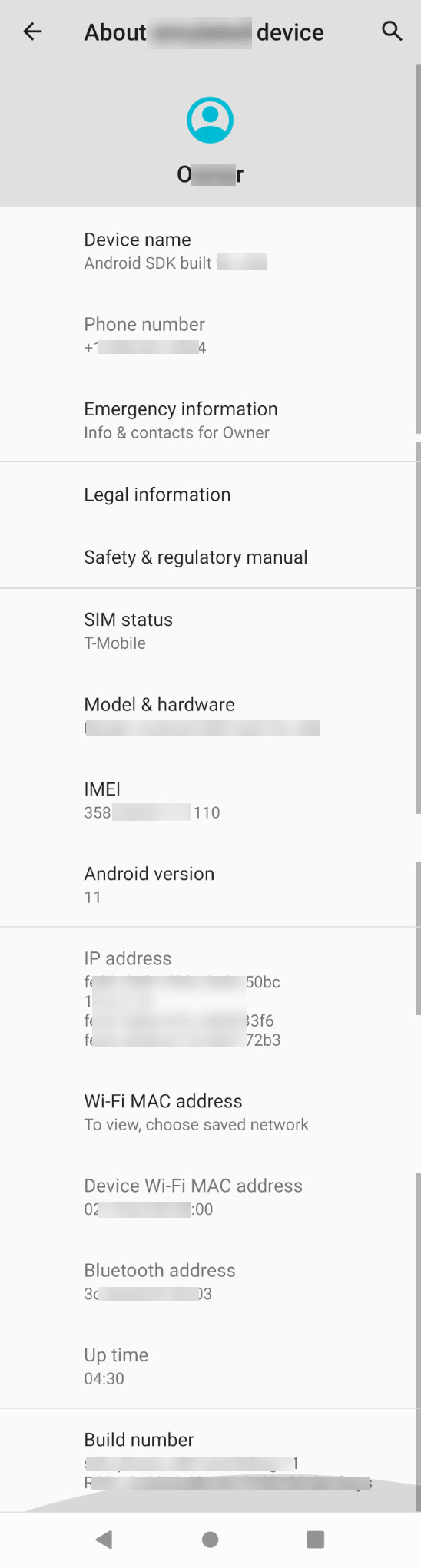
Step3: The About Info
We need the entire page of the About. It may take more than 1 screen shot.
Howto Take Screenshots
Take a screenshot the more traditional way—by pressing two buttons, the power key and volume-down key, at the same time. Once the screenshot is captured, you will get a preview and several options to do more at the bottom of the screen, such as drawing on the image, cropping the image, or sharing from the menu